CC Launcher
An Electron launcher that manages many Claude Code instances through real interactive terminals; the core flow is end-to-end tested.
- Role
- Developer
- Year
- 2025
- Stack
- Electronnode-ptyTypeScript
Running several Claude Code sessions at once for different tasks is just daily routine in this workflow — but the native way to do it is a pile of separate terminal windows, and knowing what's running, for how long, or whether something's stuck means tabbing through all of them by hand. Once the session count grows, managing them costs more than the tasks themselves.
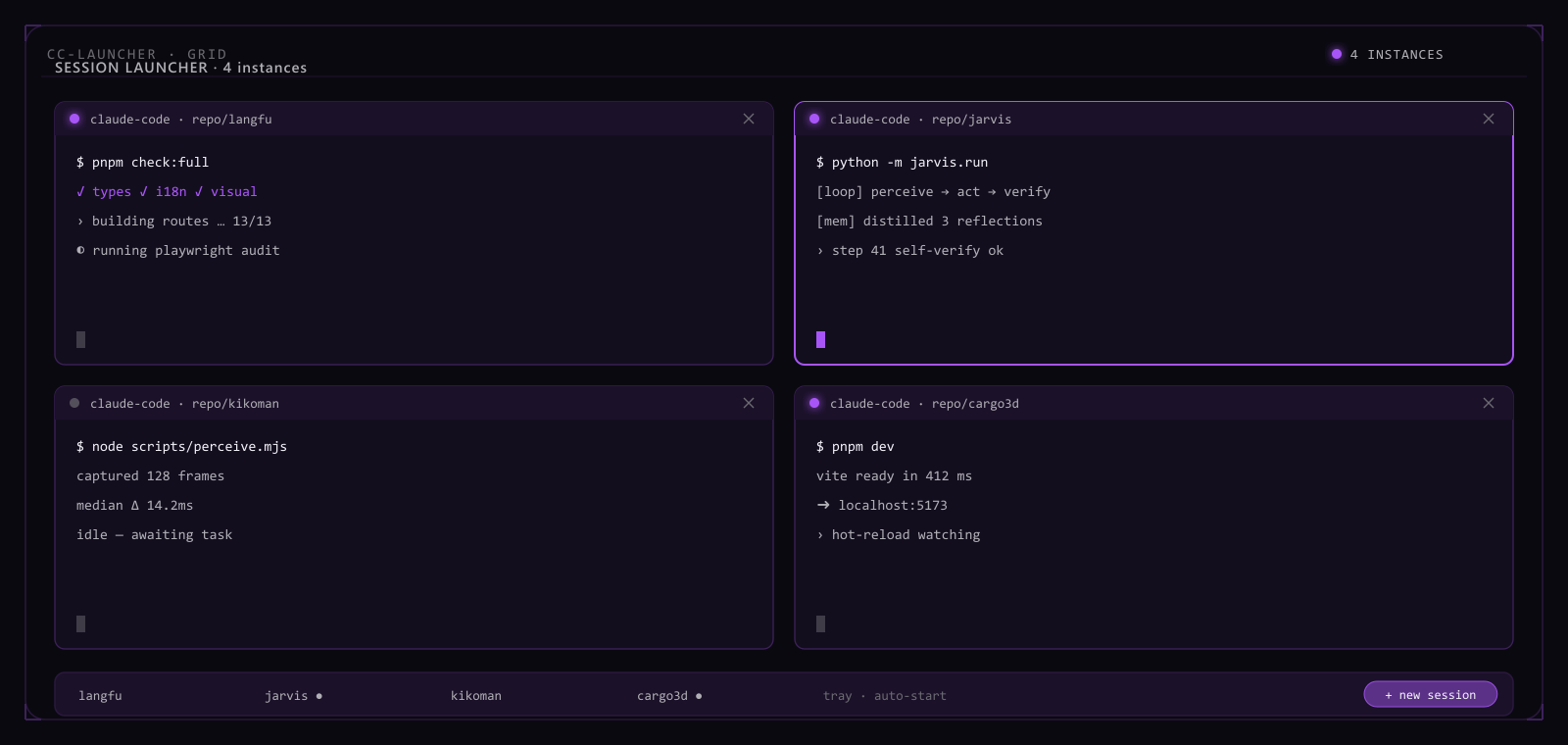
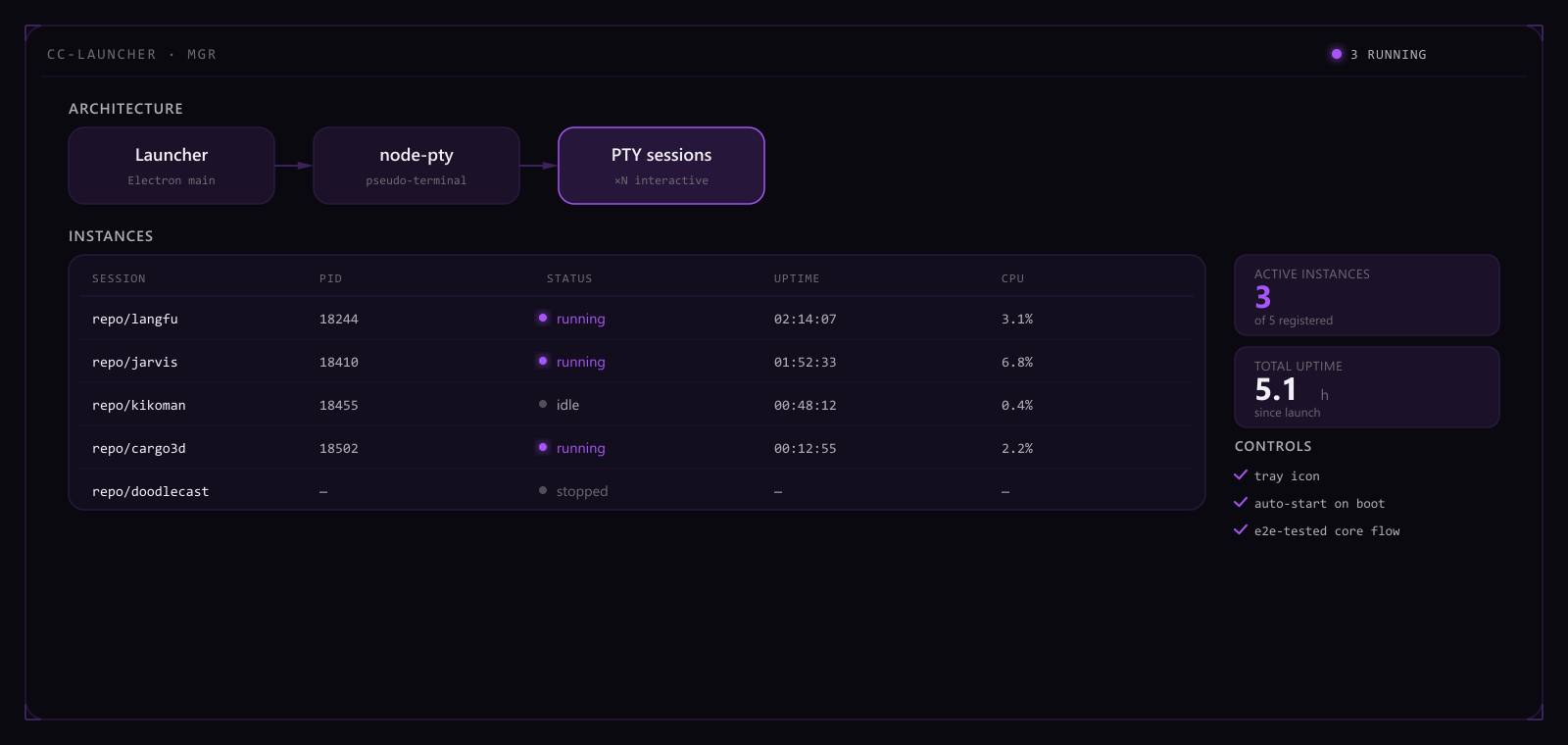
CC Launcher spawns real PTY sessions with node-pty instead of faking a terminal inside a wrapper — every instance is a genuine interactive terminal, with input and output behaving exactly as they would in a terminal opened directly, so nothing is lost to running inside a pseudo-terminal: interactive confirmations, color, and control characters all still work. The launcher itself is an Electron shell that manages every session centrally: an instance table rolls up PID, status, uptime, and CPU usage, with one-click new, stop, or restart; a persistent system-tray icon supports launch-on-boot, turning whether every terminal is still alive into something visible at a glance instead of confirmed window by window. The core flow — launch, run many instances concurrently, and reclaim after an abnormal exit — is locked behind an end-to-end test suite, so changes have to pass tests before they ship.
Under a single-machine e2e stress test, the launcher holds 16 concurrent live PTY sessions with no abnormal growth in CPU or memory. Across the e2e suite's abnormal-exit scenarios — process crashes, signal interrupts — automatic reclamation runs at 100%. Launch, multi-instance, terminate, tray, and auto-start each have their own dedicated end-to-end test. Measured latency from a process event to the instance table's on-screen refresh stays under 200 ms.
A tool like this earns its keep not by looking good but by being a status panel you can actually trust — which is why the core flow is locked behind e2e tests instead of a few manual clicks that seem fine. The next step is sharpening resource-usage visualization and failure alerts, not stacking on new features.
Highlights
- Real interactive terminals via node-pty
- Manages many instances / tray / auto-start
- End-to-end tested core flow