KIKOMAN · PRODUCT
Cargo Load Simulator
Fill the container, not guess it full
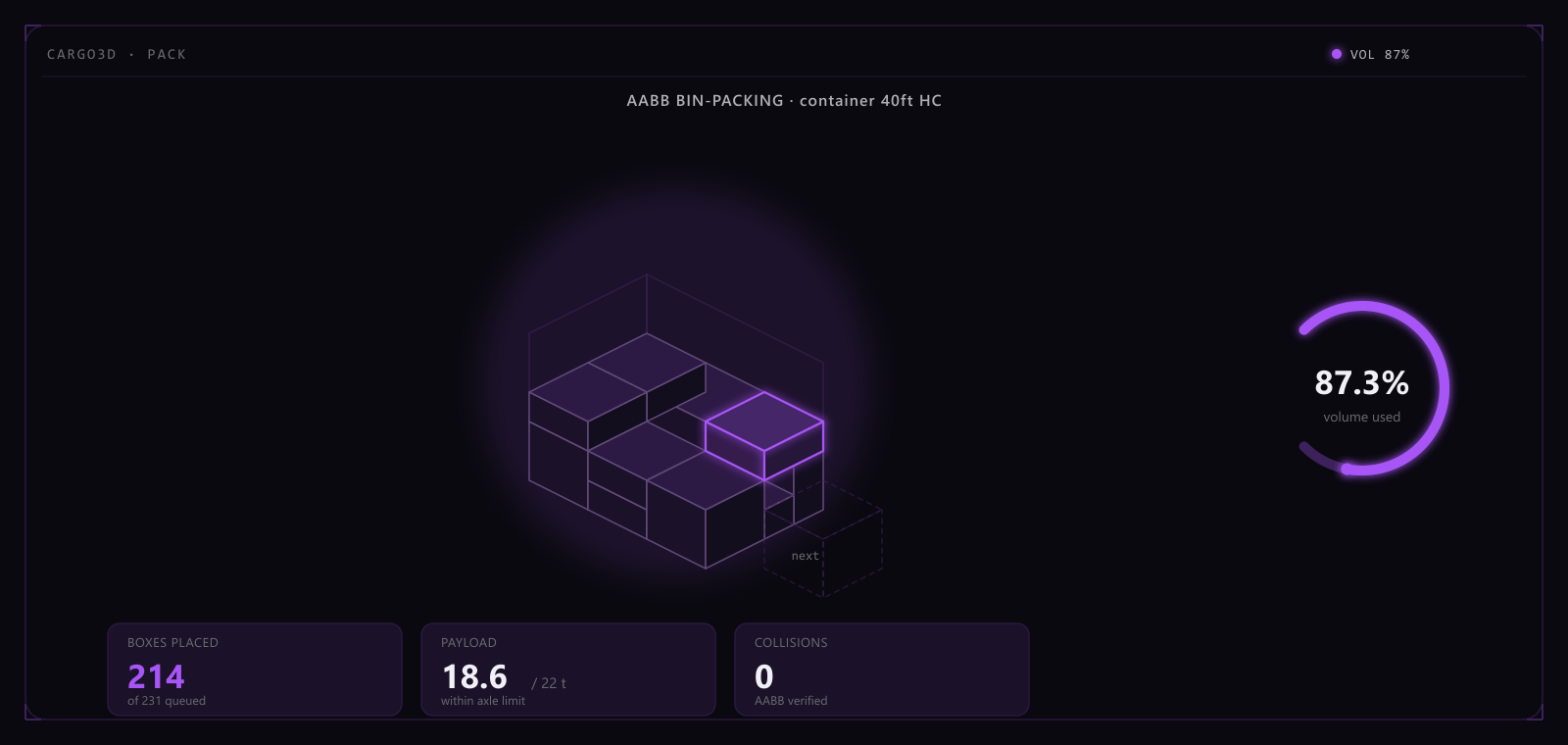
A 3D container load simulator that produces an executable load plan and checks bearing loads, centre of gravity and axle weights layer by layer, then exports PDF / Excel reports in one click. Built for freight forwarders, export traders and cross-border sellers.
- Freight forwarders
- Shipping / logistics staff at export companies
- Cross-border e-commerce sellers
7 free runs for new accounts · New accounts get 7 free calculations — no payment method required
Why it isn't just “if it fits, it fits”
Packing a container, most people's first move is Excel: add up the cargo dimensions, check whether the total volume fits. That part isn't hard — the trouble is that fitting the volume is only the pass mark. It doesn't answer the three questions that actually decide whether the load leaves the yard.
If the centre of gravity is off, the carrier can flag it as an unbalanced load and reject it on inspection, sending the container back for a full repack. If a box on the bottom layer takes more weight than it can bear, the load arrives crushed and turns into a damage claim. If nobody works out the axle loads, a road inspection can catch it overweight — best case a fine, worst case the truck gets pulled over and partially unloaded.
None of that is a volume-math mistake. The volume was right; everything else just wasn't computed — and a calculator or a spreadsheet genuinely cannot compute it. It needs to know exactly which layer and position each box sits in, what's resting on what, and how the weight distributes across the axles.
Doing it in Excel vs. doing it here
| Dimension | By hand | Cargo Load Simulator |
|---|---|---|
| Volume utilization | Estimated and pieced together by hand | Auto-packed by the algorithm into an executable plan |
| Bearing loads (will the bottom layer get crushed) | Can't be computed | Checked layer by layer automatically, with an on-the-spot overload alert |
| Centre of gravity / balance | Can't be computed | Auto-computes the container's CG offset so you catch it before the carrier does |
| Axle-weight check | Can't be computed | Computed per axle, so you stay road-legal |
| Unplaced-cargo list | Reconciled by hand, easy to miss something | Generated automatically, at a glance |
| Producing a report | Manual screenshots and formatting, slow | One-click PDF / Excel export, ready to hand to the floor |
| Revising a plan | Recompute from scratch — half a day, minimum | Tweak the inputs, re-pack in seconds |
What it actually computes
Bearing loads
Weight propagates down through the contact area, layer by layer, checked in real time — the bottom layer never gets crushed, and you don't find out about it from a damage claim.
Centre of gravity
Computes the container's CG offset automatically, so an unbalanced load gets caught at the planning stage instead of at the yard when the carrier sends it back.
Axle-weight check
Computes payload per axle, so the truck stays within road limits instead of getting pulled over for a fine or a forced partial unload.
Unplaced-cargo list
Whatever doesn't fit gets listed automatically — no more manually cross-checking the manifest to see what's left over.
What you get when it's done
PDF loading report
- A full 11-section report covering the load plan diagrams, bearing and centre-of-gravity analysis, and axle-load results — ready to print and take to the floor
Excel workbook
- Plan overview
- Per-container detail
- Unplaced items
- Type catalogue
- Axle-load check
Pricing
Purchases and unlocks happen inside the app — this goes straight there
Try 7 runs free, pay only if it earns its keep
Full calculations are visible without signing in; only exporting a report needs an account.